All features

Local AI

Your questions.
Intelligence where you choose.

Connect Ratio’s local MCP server to a compatible assistant. Your authorised device reads transactions and makes them available to the model you choose.

Free plan · €0 · No card required

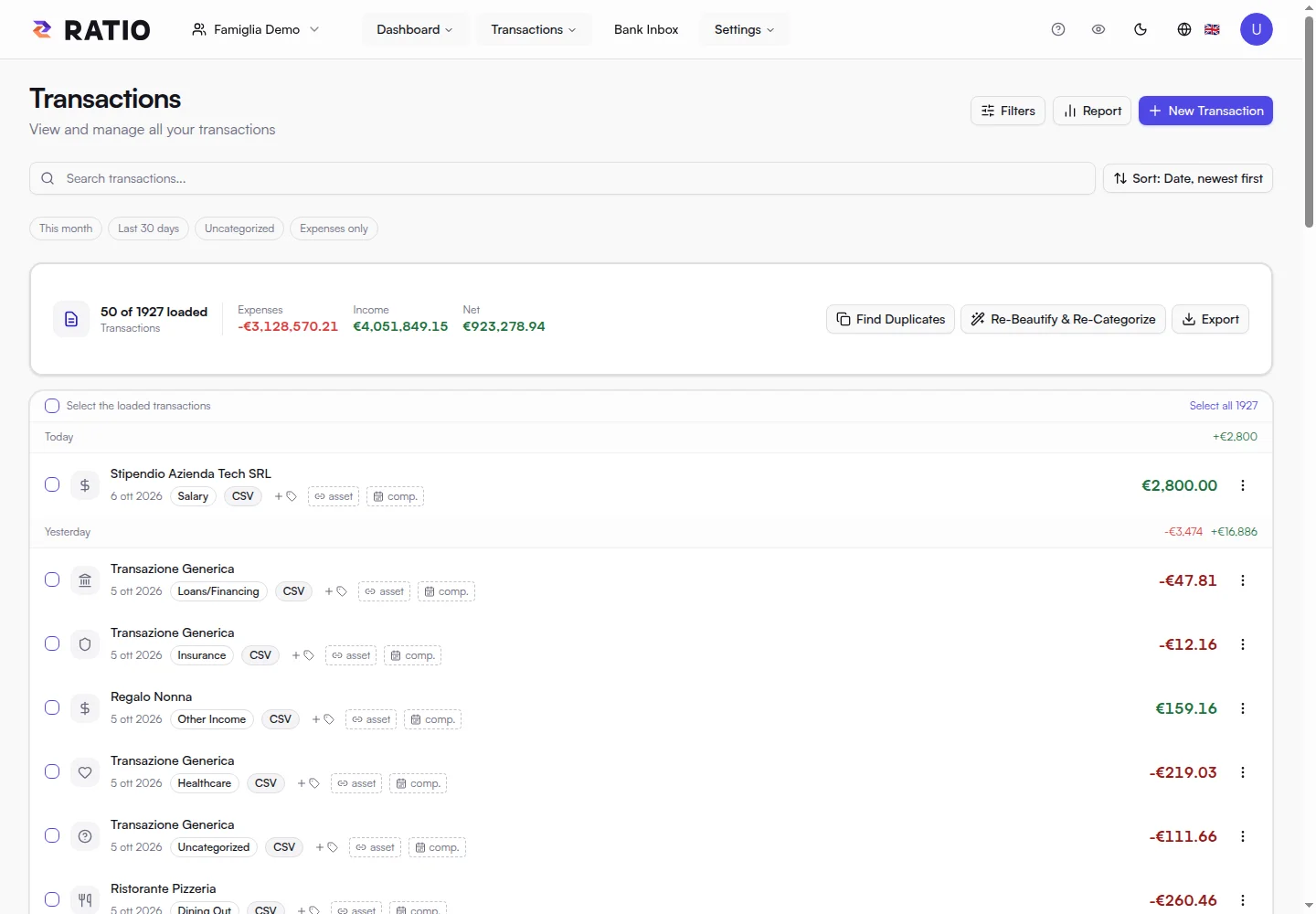
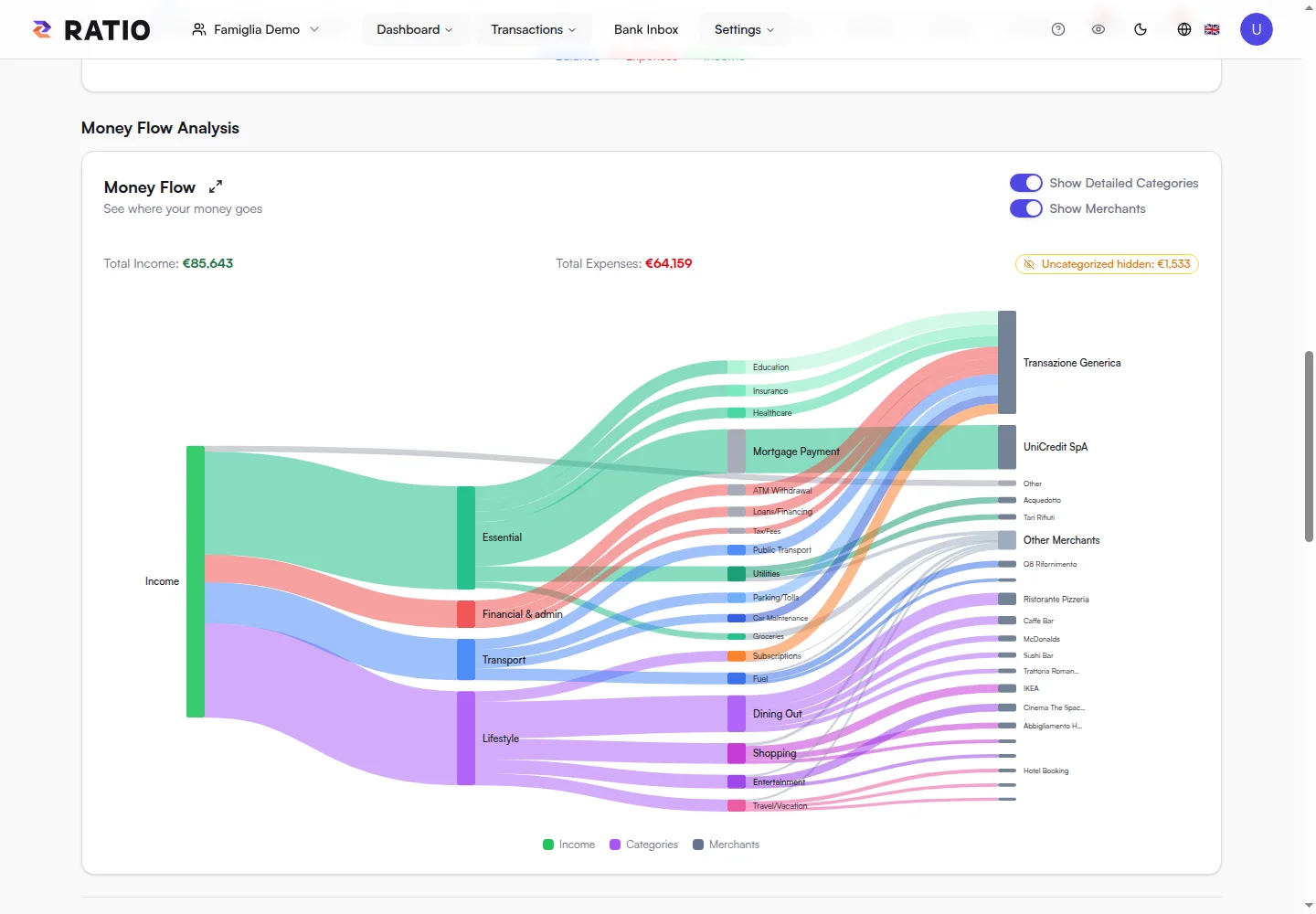
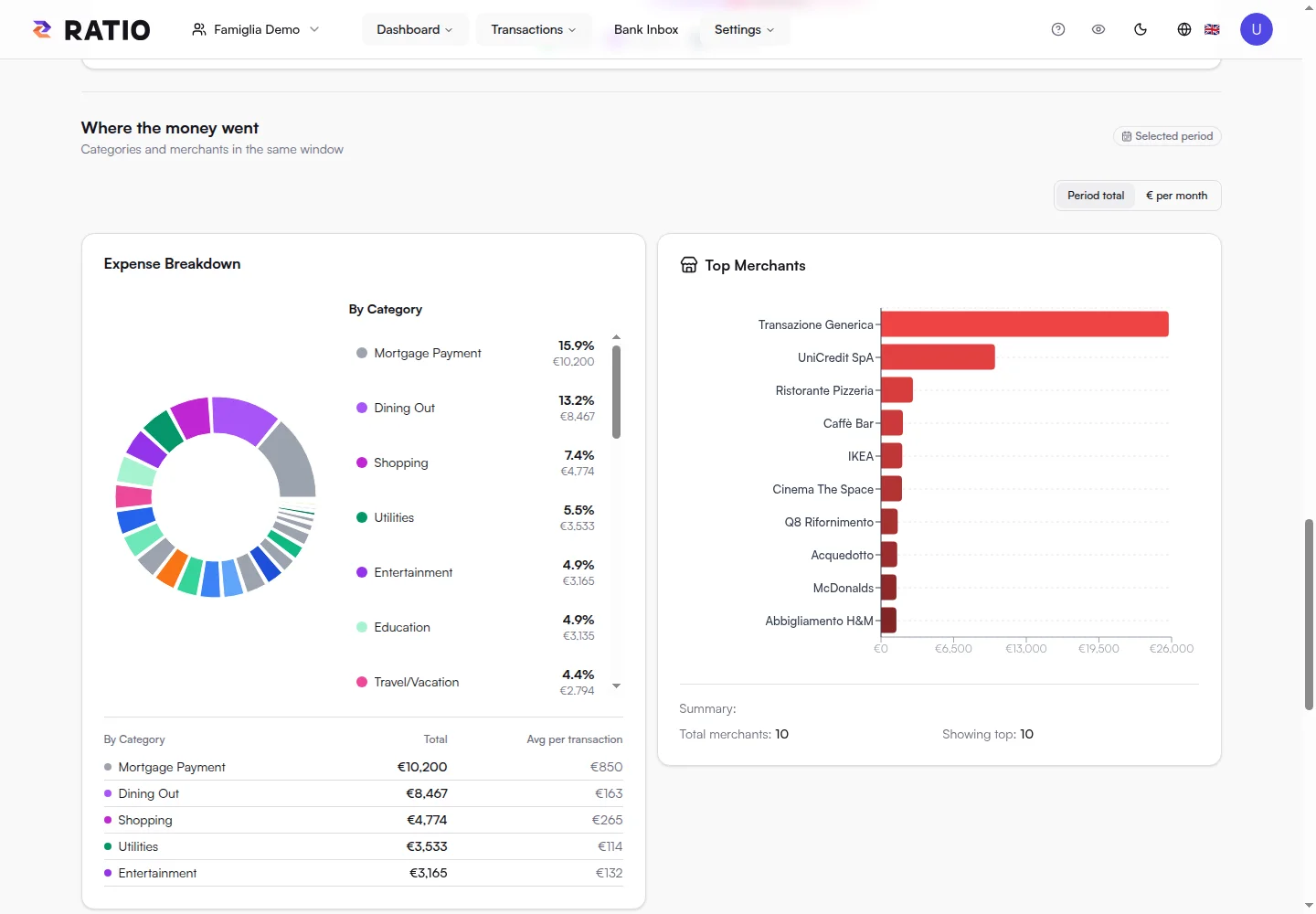
Ratio transactions: the data a paired device can query.

Ratio transactions: the data a paired device can query.

Real screens from the public demo. These views illustrate the product; Free availability and quotas are summarised at the bottom of this page.

In practice

Analysis starts from real transactions.

“Which categories grew in August?” or “Help me understand these bills.” The MCP server gives your assistant authorised access to Ratio data.

01

Authorise a device.

Install ratio-mcp on the machine you want to use for analysis and complete pairing from an authorised web session. The paired device receives credentials and the access needed for local decryption.

Free includes one Local AI device and access to the workspace allowed by the plan. Revoke a device from access management whenever needed.

02

Choose where analysis happens.

With a local model, you can work on data on your machine or home network. The MCP server and model can run on different devices, with a connection you configure.

You can also use an MCP-compatible AI client. If you choose an external provider, data sent to the model passes through that provider: consider this boundary when configuring your assistant.

03

Build your own workflow.

Start with simple questions about a period, account or category. Check results against transactions: answer quality depends on the model and available data.

On a local machine, you can orchestrate tasks with scripts or schedulers and other authorised sources such as your email. You configure and run these workflows; Ratio’s UI provides the financial views shown in the figures.

Your next step

From connecting to your first question.

  1. 01

    Install ratio-mcp and pair your device with Ratio.

  2. 02

    Connect a compatible assistant and choose a model.

  3. 03

    Ask for an analysis and check its source transactions.

Ratio Free

Start with what matters.

Import your statements or link up to two accounts through your local Bank Connector, then see where your money goes.

Start for free
  • 1 personal or family workspace
  • Local import of compatible text PDFs, CSV and XLSX files, up to 5 MB per file
  • Classification rules, transaction search and editing
  • Dashboard and charts for income, expenses and categories
  • Financial data encrypted on your device before storage
  • Bank Connector for up to 2 accounts linked from your local daemon
  • One Local AI device for private analysis
  • Encrypted history retained with no time limit (search and statistics cover the latest 18 months)

Your encrypted history stays stored without a time limit, while Free search and statistics focus on the latest 18 months.